











Skip to content
Shadegap

For foundation brands & beauty retailers

Which of your customers can't find their shade?

SHADEGAP audits a foundation range against a test panel of faces measured by YouCam AI. It shows exactly who is left without a match, and the two or three new shades that would fix it, with exact colours your lab can work from.

Audit my shade range

Shopping for foundation? Find your shade with a selfie → · For stores: add it to your shop →

No sign-up. The demo spends no credits and opens in a second. New here? .

Demo audit

Maison Lys · 16 shades

US market mix
  1. 100 Porcelain: very fair, rosy
  2. 105 Alabaster: very fair, neutral
  3. 110 Ivory: very fair, neutral
  4. 115 Shell: very fair, neutral
  5. 120 Rose Beige: very fair, rosy
  6. 130 Linen: fair, golden
  7. 135 Natural: fair, golden
  8. 140 Petal: fair, rosy
  9. 150 Sand: light-medium, golden
  10. 160 Buff: light-medium, neutral
  11. 170 Warm Nude: medium, neutral
  12. 180 Honey: medium, neutral
  13. 190 Caramel: medium, neutral
  14. 200 Toffee: deep, rosy
  15. 210 Amber: deep, neutral
  16. 220 Cocoa: deep, neutral
  17. Proposed new shade P2: deep, neutral, #7A563E
  18. Proposed new shade P1: very deep, neutral, #6F503C
  19. Proposed new shade P3: very deep, neutral, #654836
LightestDeepest
Faces without a match
7
Shoppers matched today
80%
With 3 new shades
100%

The problem

Shade ranges are built by eye and rarely re-audited. Ranges end up with five near-identical light shades and nothing for very deep or olive skin.

What it costs

A shopper who can't find their shade either leaves or buys the closest one and returns it. Both are lost revenue, and both hurt the brand with that customer for years.

What SHADEGAP does

It turns 'is our range inclusive?' into numbers: who is matched, by how much, and the exact shades that close the gap, before you commission a single lab sample.

How it works

From shade list to fix list in four steps

  1. 1

    Paste your shade list

    Shade names and hex values, from a spreadsheet, a product page or a lab sheet. AI import tidies messy text for you.

  2. 2

    We test it on a 24-face panel

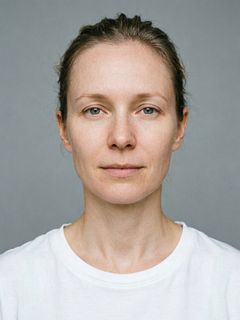
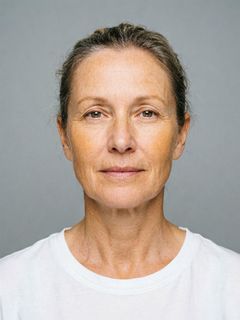
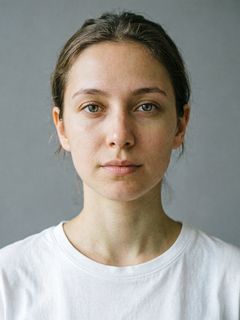
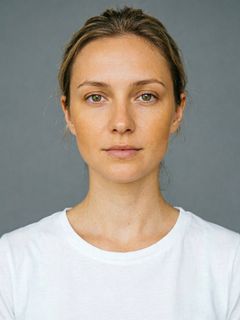
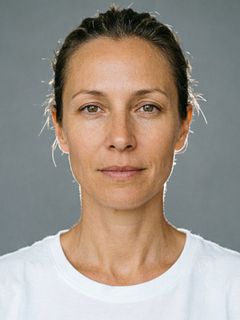
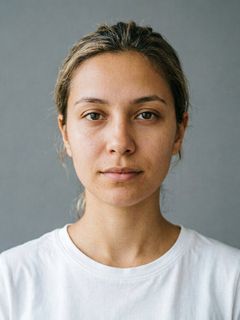
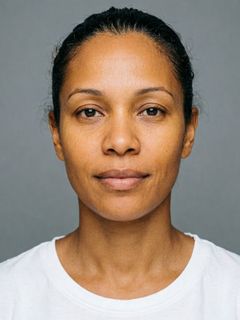
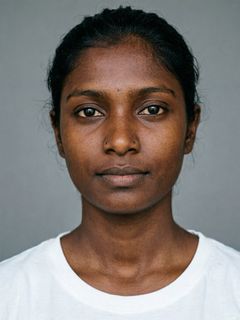
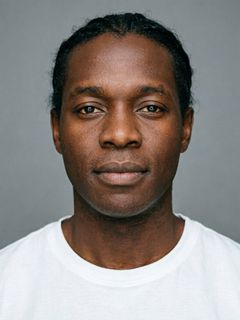
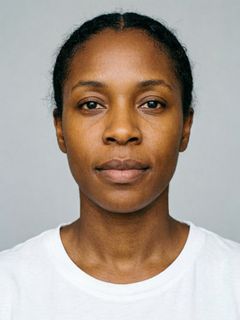
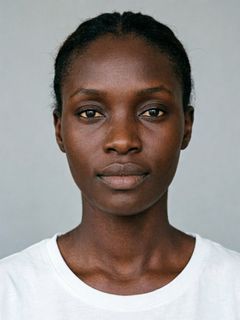
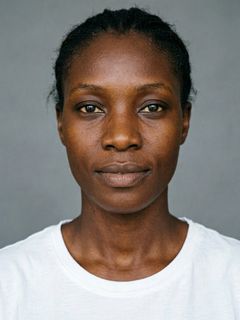
    Synthetic faces cast across six depth groups and four undertones, each one measured by YouCam AI Skin Tone Analysis. Add your own customer photos too.

  3. 3

    See who your range fails

    Every face gets its closest shade and a CIEDE2000 colour difference (ΔE). Faces with no shade within ΔE 3 are flagged, weighted by your market mix.

  4. 4

    Get the shades that fix it

    SHADEGAP proposes the 1–5 new shades (exact hex and CIELAB) that close the most gaps, and renders them on the faces with YouCam Makeup VTO.

YouCam APIs, chained: each output feeds the next step

  1. YouCam API

    AI Image Generator V2

    Builds the 24-face test panel (no real people)

  2. YouCam API

    AI Skin Tone Analysis

    Measures every face's skin colour

  3. SHADEGAP engine

    CIEDE2000 + set cover

    Matches faces to shades, finds and fills the gaps

  4. YouCam API

    AI Makeup VTO

    Shows the mismatch, and the fix, on the face

  5. YouCam API

    AI Photo Enhance

    Rescues low-resolution customer photos

Demo audits

Three fictional ranges, three different problems

Each one runs on the real 24-face panel with real YouCam measurements. Open one to explore the full report.

16 shades

Maison Lys

Classic Veil Foundation

  1. 100 Porcelain: very fair, rosy
  2. 105 Alabaster: very fair, neutral
  3. 110 Ivory: very fair, neutral
  4. 115 Shell: very fair, neutral
  5. 120 Rose Beige: very fair, rosy
  6. 130 Linen: fair, golden
  7. 135 Natural: fair, golden
  8. 140 Petal: fair, rosy
  9. 150 Sand: light-medium, golden
  10. 160 Buff: light-medium, neutral
  11. 170 Warm Nude: medium, neutral
  12. 180 Honey: medium, neutral
  13. 190 Caramel: medium, neutral
  14. 200 Toffee: deep, rosy
  15. 210 Amber: deep, neutral
  16. 220 Cocoa: deep, neutral

A 16-shade legacy range, built a decade ago and never re-audited.

Match
17
Near miss
2
Gap
5

9 shades

Atelier Nu

Second Skin Serum Tint

  1. 01 Pearl: very fair, neutral
  2. 02 Bisque: fair, neutral
  3. 03 Almond: medium, neutral
  4. 04 Golden: medium, neutral
  5. 05 Sienna: deep, neutral
  6. 06 Pecan: deep, rosy
  7. 07 Clove: very deep, rosy, muted
  8. 08 Ebony: very deep, rosy, muted
  9. 09 Onyx: very deep, rosy, muted

A 9-shade launch marketed as inclusive: it reaches very deep skin, but are those shades right?

Match
18
Near miss
6
Gap
0

34 shades

Northfield

Skin Proof Foundation

  1. 1C Fair Cool: very fair, neutral
  2. 1W Fair Warm: very fair, golden
  3. 2C Fair Cool: very fair, rosy
  4. 2W Fair Warm: very fair, golden
  5. 3C Light Cool: very fair, rosy
  6. 3W Light Warm: fair, golden
  7. 4C Light Cool: fair, rosy
  8. 4W Light Warm: light-medium, golden
  9. 5C Light Cool: light-medium, rosy
  10. 5W Light Warm: medium, golden
  11. 6C Light Med Cool: light-medium, rosy
  12. 6W Light Med Warm: medium, golden
  13. 7C Light Med Cool: medium, rosy
  14. 7W Light Med Warm: medium, golden
  15. 8C Medium Cool: medium, rosy
  16. 8W Medium Warm: medium, golden
  17. 9C Medium Cool: medium, rosy
  18. 9W Medium Warm: medium, golden
  19. 10C Medium Cool: deep, rosy
  20. 10W Medium Warm: deep, golden
  21. 11C Tan Cool: deep, rosy
  22. 11W Tan Warm: deep, golden
  23. 12C Tan Cool: deep, rosy
  24. 12W Tan Warm: deep, golden
  25. 13C Deep Cool: deep, rosy
  26. 13W Deep Warm: deep, golden
  27. 14C Deep Cool: very deep, rosy
  28. 14W Deep Warm: deep, golden
  29. 15C Deep Cool: very deep, rosy
  30. 15W Deep Warm: very deep, neutral
  31. 16C Rich Cool: very deep, rosy
  32. 16W Rich Warm: very deep, golden
  33. 17C Rich Cool: very deep, rosy
  34. 17W Rich Warm: very deep, neutral

A broad 34-shade range with cool and warm options at every depth.

Match
24
Near miss
0
Gap
0

What you get

A report your shade lab and your merch team can both act on

  • Coverage, weighted by your market. Faces matched, near misses and gaps, weighted by the depth mix of the shoppers you sell to.
  • A shade map. Every face and shade plotted by lightness and undertone, so the holes in the range are obvious.
  • Proposed shades with exact colours. Hex and CIELAB values, which existing shades each one sits between, and which faces it rescues.
  • Try-on proof. YouCam Makeup VTO renders of the closest existing shade and the proposed one,.
  • An AI analyst and executive brief. Gemini answers questions using your audit's real numbers and writes the summary for leadership.

Ask the analyst

“Which new shade should we develop first?”

The analyst reads the audit itself: every face, every ΔE and every proposed shade. It answers in plain language, explains any section of the report, and suggests follow-up questions.

FAQ

Questions brands ask

Who is SHADEGAP for?

Shade-development, product and merchandising teams at foundation brands, and retailers deciding which ranges to stock. It answers one question before money is spent on a launch: which customers will fail to find their shade?

Why synthetic faces?

A fixed, consented, repeatable test panel is how shade labs work. Generating it with YouCam AI Image Generator lets us cast every depth × undertone cell evenly without using anyone's real face. You can add real customer photos (with consent) on the panel step.

What does ΔE 3 mean?

ΔE (CIEDE2000) is the standard measure of how different two colours look. Around 1 is just noticeable side by side; up to about 3 most people accept as their shade; above 5 the face looks visibly lighter, darker, ashier or more orange than the neck. You can change the threshold.

How accurate is it?

It is a screening tool, not a lab. Skin colour comes from photos, so lighting matters, and the panel is synthetic. Use SHADEGAP to find and prioritise gaps, then confirm the proposed shades with drawdowns and wear tests on real skin.

Does it store my data?

Your shade list and any added faces stay in your browser. Added photos are sent to YouCam only to measure skin tone and render try-ons.

Audit my shade range